To log in to your Zhylar account:
- Log in to Zhylar
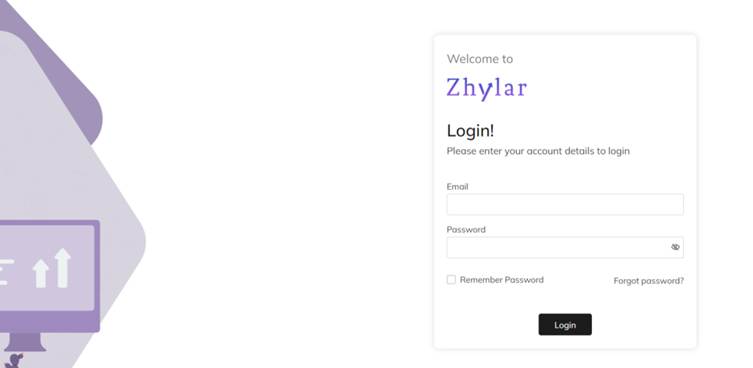
- Log in with your ID and Password.
- For easy login in every time, check the Remember Password box.
Forgot Password?
If you have forgotten your password;
- Click on “Forgot password”.
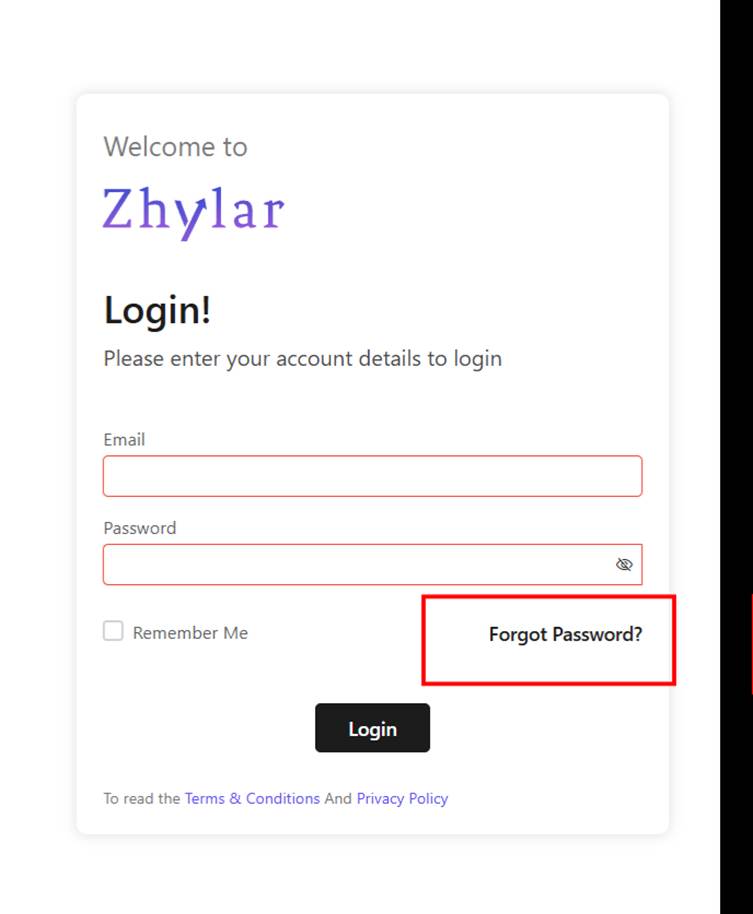
- You will be redirected to a password reset option.
Self-Password Reset
To reset your password;
- You will be redirected to a new page.
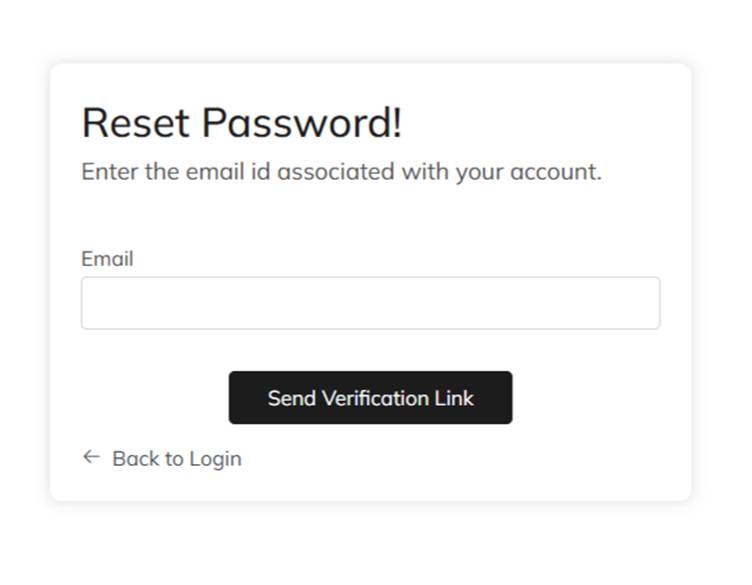
- Enter the ID associated with your account.
- Click on “Send Verification Link”.
- Open the inbox of the ID you have entered.
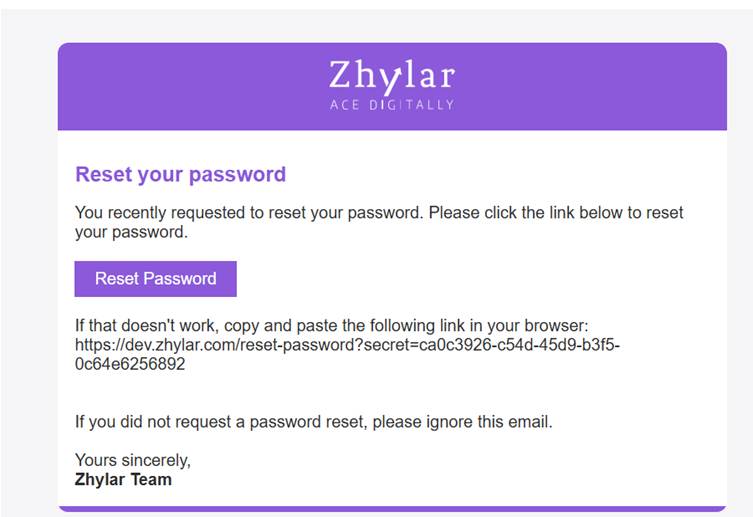
- Click on the link received.
- You will be redirected to a new page.
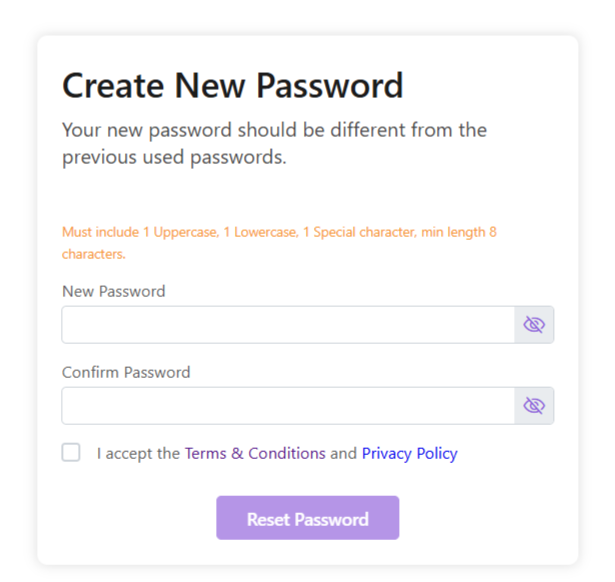
- Enter new password.
- Accept the Terms & Conditions and Privacy Policy
- Click Reset Password.
- Your password will be reset. Login and begin using Zhylar!
- Make a note on your device for future reference.
Discover how Zhylar can streamline your sales and elevate your business processes. Visit our website or book a demo today to experience the difference!
Was this article helpful?
That’s Great!
Thank you for your feedback
Sorry! We couldn't be helpful
Thank you for your feedback
Feedback sent
We appreciate your effort and will try to fix the article